




'%3e%3cg%20id='bgO]'%20opacity='0.05'%20filter='url(%23filter0_f_0_24)'%3e%3cpath%20d='M1420.85%201877.45C1972.29%202113.43%202496.72%201372.76%202079.73%20789.496C1662.74%20206.229%20836.697%20669.163%20589.33%20907.533C341.963%201145.9%20-118.081%201839.18%20119.616%202187.82C361.69%202588.24%20869.413%201641.47%201420.85%201877.45Z'%20fill='url(%23paint0_linear_0_24)'/%3e%3c/g%3e%3cg%20id='bgO]_2'%20opacity='0.3'%20filter='url(%23filter1_f_0_24)'%3e%3cpath%20d='M256.575%20287.058C153.123%2029.8191%20-260.348%20101.067%20-314.285%20428.092C-368.223%20755.118%2053.2953%20873.226%20212.086%20875.949C370.877%20878.671%20747.8%20801.916%20783.821%20610.214C835.318%20400.131%20360.027%20544.297%20256.575%20287.058Z'%20fill='%23B8F1FF'/%3e%3c/g%3e%3cg%20id='bgO]_3'%20opacity='0.2'%20filter='url(%23filter2_f_0_24)'%3e%3cpath%20d='M256.575%202186.06C153.123%201928.82%20-260.348%202000.07%20-314.285%202327.1C-368.223%202654.12%2053.2953%202772.23%20212.086%202774.95C370.877%202777.67%20747.8%202700.92%20783.821%202509.22C835.318%202299.13%20360.027%202443.3%20256.575%202186.06Z'%20fill='%235555FF'/%3e%3c/g%3e%3cg%20id='bgO]_4'%20opacity='0.4'%20filter='url(%23filter3_f_0_24)'%3e%3cpath%20d='M1489.57%201565.06C1386.12%201307.82%20972.651%201379.07%20918.714%201706.1C864.777%202033.12%201286.3%202151.23%201445.09%202153.95C1603.88%202156.67%201980.8%202079.92%202016.82%201888.22C2068.32%201678.13%201593.03%201822.3%201489.57%201565.06Z'%20fill='%23B8F1FF'/%3e%3c/g%3e%3c/g%3e%3c/g%3e%3cdefs%3e%3cfilter%20id='filter0_f_0_24'%20x='-446.593'%20y='7.00601'%20width='3176.85'%20height='2780.86'%20filterUnits='userSpaceOnUse'%20color-interpolation-filters='sRGB'%3e%3cfeFlood%20flood-opacity='0'%20result='BackgroundImageFix'/%3e%3cfeBlend%20mode='normal'%20in='SourceGraphic'%20in2='BackgroundImageFix'%20result='shape'/%3e%3cfeGaussianBlur%20stdDeviation='250'%20result='effect1_foregroundBlur_0_24'/%3e%3c/filter%3e%3cfilter%20id='filter1_f_0_24'%20x='-819.019'%20y='-368.701'%20width='2106.73'%20height='1744.72'%20filterUnits='userSpaceOnUse'%20color-interpolation-filters='sRGB'%3e%3cfeFlood%20flood-opacity='0'%20result='BackgroundImageFix'/%3e%3cfeBlend%20mode='normal'%20in='SourceGraphic'%20in2='BackgroundImageFix'%20result='shape'/%3e%3cfeGaussianBlur%20stdDeviation='250'%20result='effect1_foregroundBlur_0_24'/%3e%3c/filter%3e%3cfilter%20id='filter2_f_0_24'%20x='-819.019'%20y='1530.3'%20width='2106.73'%20height='1744.72'%20filterUnits='userSpaceOnUse'%20color-interpolation-filters='sRGB'%3e%3cfeFlood%20flood-opacity='0'%20result='BackgroundImageFix'/%3e%3cfeBlend%20mode='normal'%20in='SourceGraphic'%20in2='BackgroundImageFix'%20result='shape'/%3e%3cfeGaussianBlur%20stdDeviation='250'%20result='effect1_foregroundBlur_0_24'/%3e%3c/filter%3e%3cfilter%20id='filter3_f_0_24'%20x='413.981'%20y='909.301'%20width='2106.73'%20height='1744.72'%20filterUnits='userSpaceOnUse'%20color-interpolation-filters='sRGB'%3e%3cfeFlood%20flood-opacity='0'%20result='BackgroundImageFix'/%3e%3cfeBlend%20mode='normal'%20in='SourceGraphic'%20in2='BackgroundImageFix'%20result='shape'/%3e%3cfeGaussianBlur%20stdDeviation='250'%20result='effect1_foregroundBlur_0_24'/%3e%3c/filter%3e%3clinearGradient%20id='paint0_linear_0_24'%20x1='-259.479'%20y1='1468.28'%20x2='2132.87'%20y2='490.817'%20gradientUnits='userSpaceOnUse'%3e%3cstop%20stop-color='%233BABFF'/%3e%3cstop%20offset='1'%20stop-color='%230074FF'/%3e%3c/linearGradient%3e%3c/defs%3e%3c/svg%3e)
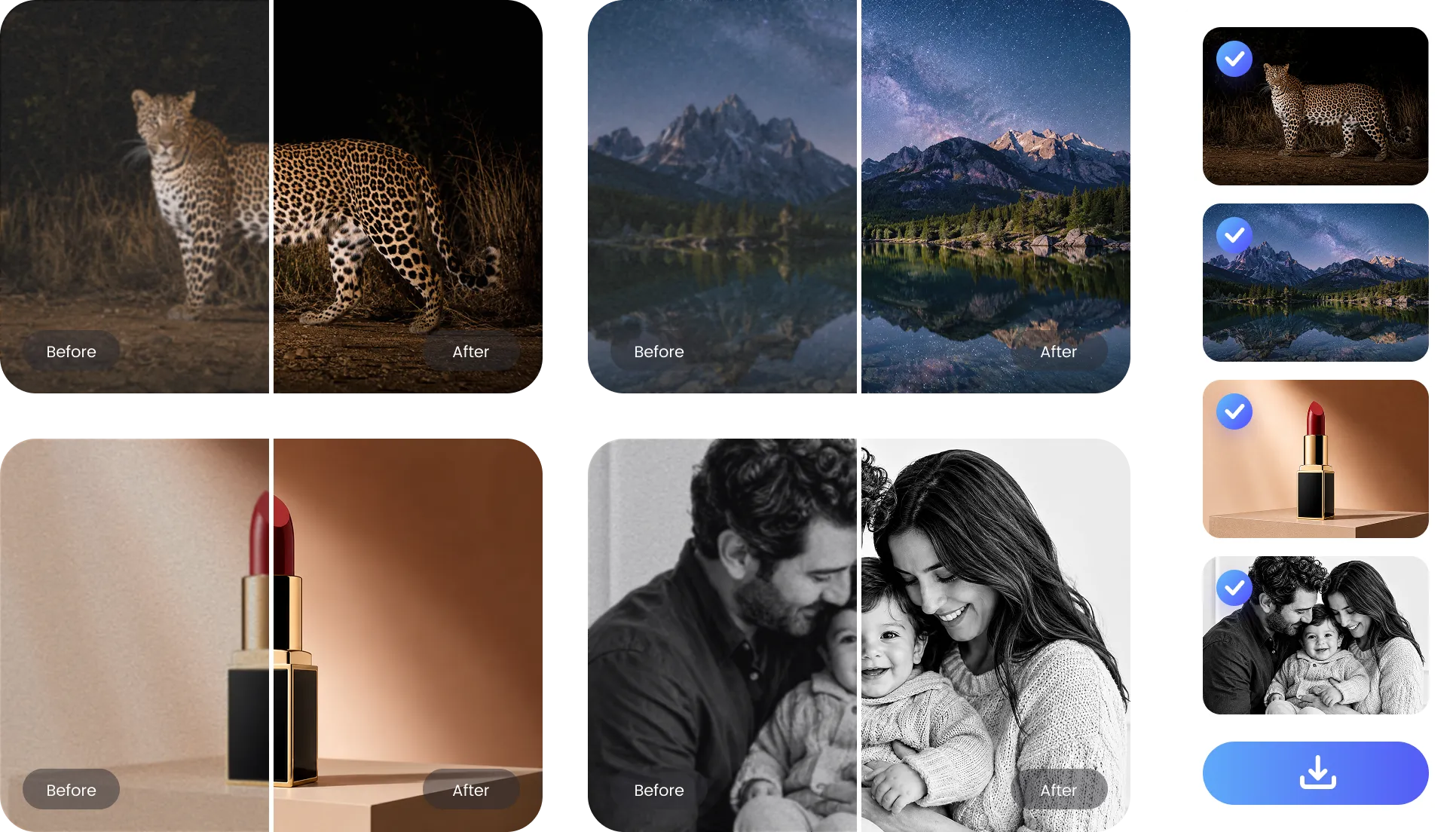
PicWish AI image noise reduction tool intelligently clean up heavy grain and low-light noise without creating a blurry, waxy finish.
PicWish automatically removes grain and color noise from low-light portraits while preserving natural skin texture, facial features, and fine hair details without plastic over-smoothing, delivering a comprehensive portrait enhancer result that keeps faces sharp, authentic, and clear.


Clean up noisy photos without spending hours adjusting filters. PicWish processes your image in seconds, helping you quickly turn grainy, low-quality photos into cleaner and clearer results directly in your browser, no software installation or editing skills required.
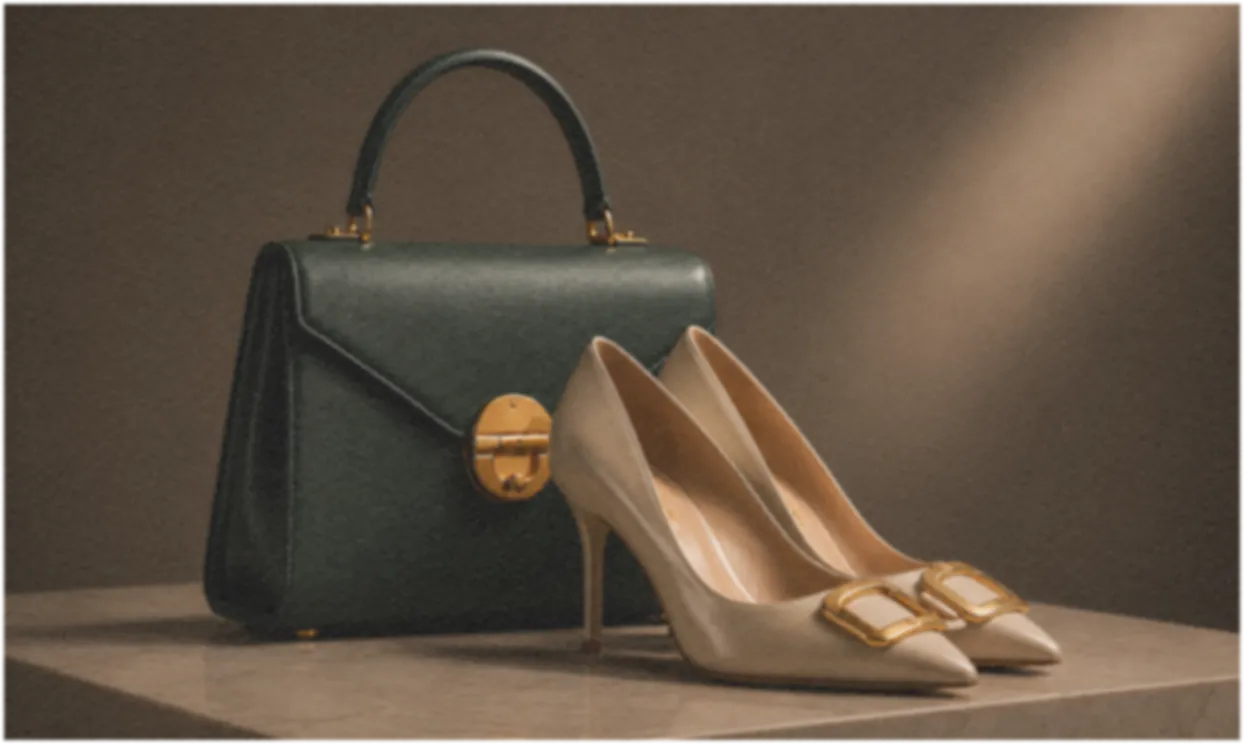
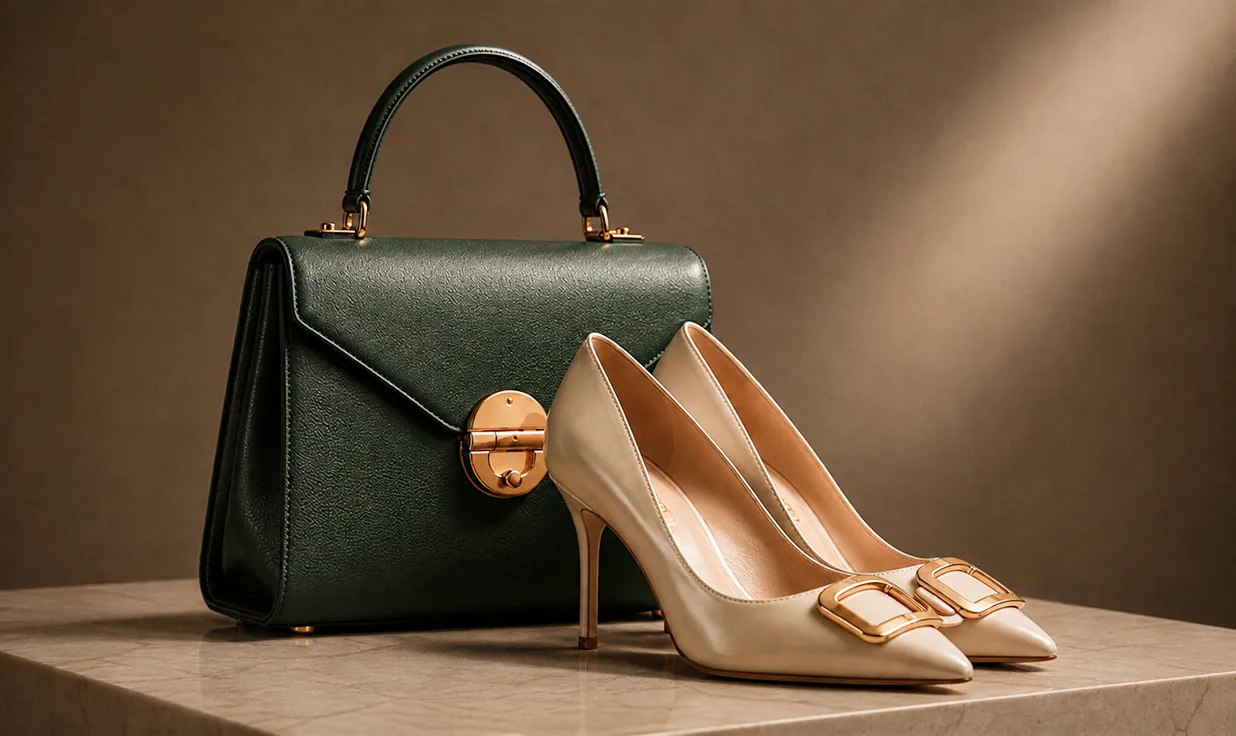
PicWish effortlessly cleans up images with text, removing compression noise, blur, and uneven lighting. It brightens dim photos and whitens murky gray backgrounds while sharpening blurry letterforms in photographed notes, receipts, invoices, and screenshots for clear readability.


Save time by removing noise from multiple photos in one batch. Upload your images, let PicWish process them automatically, and download clean, consistent results without editing each photo individually.
'%3e%3cg%20id='&%23230;&%23164;&%23173;&%23229;&%23156;&%23134;_6_&%23230;&%23139;&%23183;&%23232;&%23180;&%23157;_1_'%20opacity='0.2'%20filter='url(%23filter0_f_0_19)'%3e%3cpath%20d='M1473%201355C1180.29%201355%20943%201117.71%20943%20825C943%20532.289%201180.29%20295%201473%20295C1765.71%20295%202003%20532.289%202003%20825C2003%201117.71%201765.71%201355%201473%201355Z'%20fill='url(%23paint0_linear_0_19)'/%3e%3c/g%3e%3cg%20id='&%23230;&%23164;&%23173;&%23229;&%23156;&%23134;_6_&%23230;&%23139;&%23183;&%23232;&%23180;&%23157;_1__2'%20opacity='0.56'%20filter='url(%23filter1_f_0_19)'%3e%3cpath%20d='M290%20470C493.241%20470%20658%20301.211%20658%2093C658%20-115.211%20493.241%20-284%20290%20-284C86.7592%20-284%20-78%20-115.211%20-78%2093C-78%20301.211%2086.7592%20470%20290%20470Z'%20fill='url(%23paint1_linear_0_19)'/%3e%3c/g%3e%3cg%20id='&%23230;&%23164;&%23173;&%23229;&%23156;&%23134;_6_&%23230;&%23139;&%23183;&%23232;&%23180;&%23157;_1__3'%20opacity='0.1'%20filter='url(%23filter2_f_0_19)'%3e%3cpath%20d='M1673%201250C1830.95%201250%201959%201118.82%201959%20957C1959%20795.181%201830.95%20664%201673%20664C1515.05%20664%201387%20795.181%201387%20957C1387%201118.82%201515.05%201250%201673%201250Z'%20fill='url(%23paint2_linear_0_19)'/%3e%3c/g%3e%3c/g%3e%3c/g%3e%3cdefs%3e%3cfilter%20id='filter0_f_0_19'%20x='443'%20y='-205'%20width='2060'%20height='2060'%20filterUnits='userSpaceOnUse'%20color-interpolation-filters='sRGB'%3e%3cfeFlood%20flood-opacity='0'%20result='BackgroundImageFix'/%3e%3cfeBlend%20mode='normal'%20in='SourceGraphic'%20in2='BackgroundImageFix'%20result='shape'/%3e%3cfeGaussianBlur%20stdDeviation='250'%20result='effect1_foregroundBlur_0_19'/%3e%3c/filter%3e%3cfilter%20id='filter1_f_0_19'%20x='-378'%20y='-584'%20width='1336'%20height='1354'%20filterUnits='userSpaceOnUse'%20color-interpolation-filters='sRGB'%3e%3cfeFlood%20flood-opacity='0'%20result='BackgroundImageFix'/%3e%3cfeBlend%20mode='normal'%20in='SourceGraphic'%20in2='BackgroundImageFix'%20result='shape'/%3e%3cfeGaussianBlur%20stdDeviation='150'%20result='effect1_foregroundBlur_0_19'/%3e%3c/filter%3e%3cfilter%20id='filter2_f_0_19'%20x='1087'%20y='364'%20width='1172'%20height='1186'%20filterUnits='userSpaceOnUse'%20color-interpolation-filters='sRGB'%3e%3cfeFlood%20flood-opacity='0'%20result='BackgroundImageFix'/%3e%3cfeBlend%20mode='normal'%20in='SourceGraphic'%20in2='BackgroundImageFix'%20result='shape'/%3e%3cfeGaussianBlur%20stdDeviation='150'%20result='effect1_foregroundBlur_0_19'/%3e%3c/filter%3e%3clinearGradient%20id='paint0_linear_0_19'%20x1='1087.82'%20y1='1355.14'%20x2='1858.08'%20y2='294.967'%20gradientUnits='userSpaceOnUse'%3e%3cstop%20stop-color='%23679BFF'/%3e%3cstop%20offset='1'%20stop-color='%23D2FCFF'/%3e%3c/linearGradient%3e%3clinearGradient%20id='paint1_linear_0_19'%20x1='557.447'%20y1='470.098'%20x2='5.58632'%20y2='-271.341'%20gradientUnits='userSpaceOnUse'%3e%3cstop%20stop-color='white'/%3e%3cstop%20offset='1'%20stop-color='%23B1B1FF'/%3e%3c/linearGradient%3e%3clinearGradient%20id='paint2_linear_0_19'%20x1='1880.85'%20y1='1250.08'%20x2='1451.95'%20y2='673.846'%20gradientUnits='userSpaceOnUse'%3e%3cstop%20stop-color='%231F1FFF'/%3e%3cstop%20offset='1'%20stop-color='white'/%3e%3c/linearGradient%3e%3c/defs%3e%3c/svg%3e)
From astrophotography and concerts to e-commerce catalogs and everyday memories, PicWish restores crisp clarity to photos captured in challenging lighting.

Night, Concert & Astrophotography
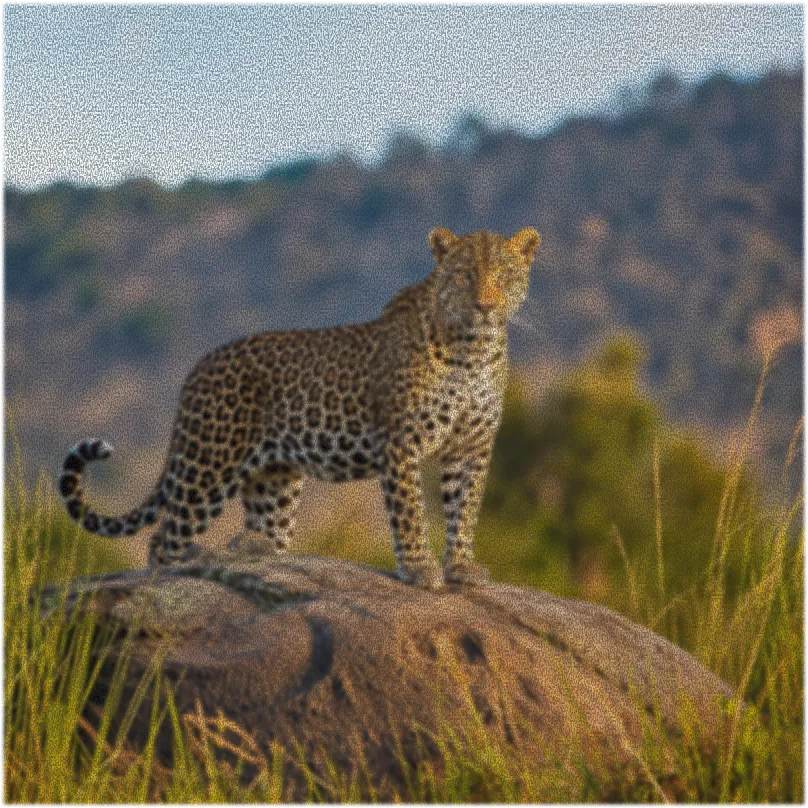
High ISO settings can introduce noticeable grain into night scenes, astrophotography, indoor concerts, and wildlife shots. Remove distracting digital noise while preserving stars, animal fur, natural lighting, and atmospheric details.
Product & Commercial Photography
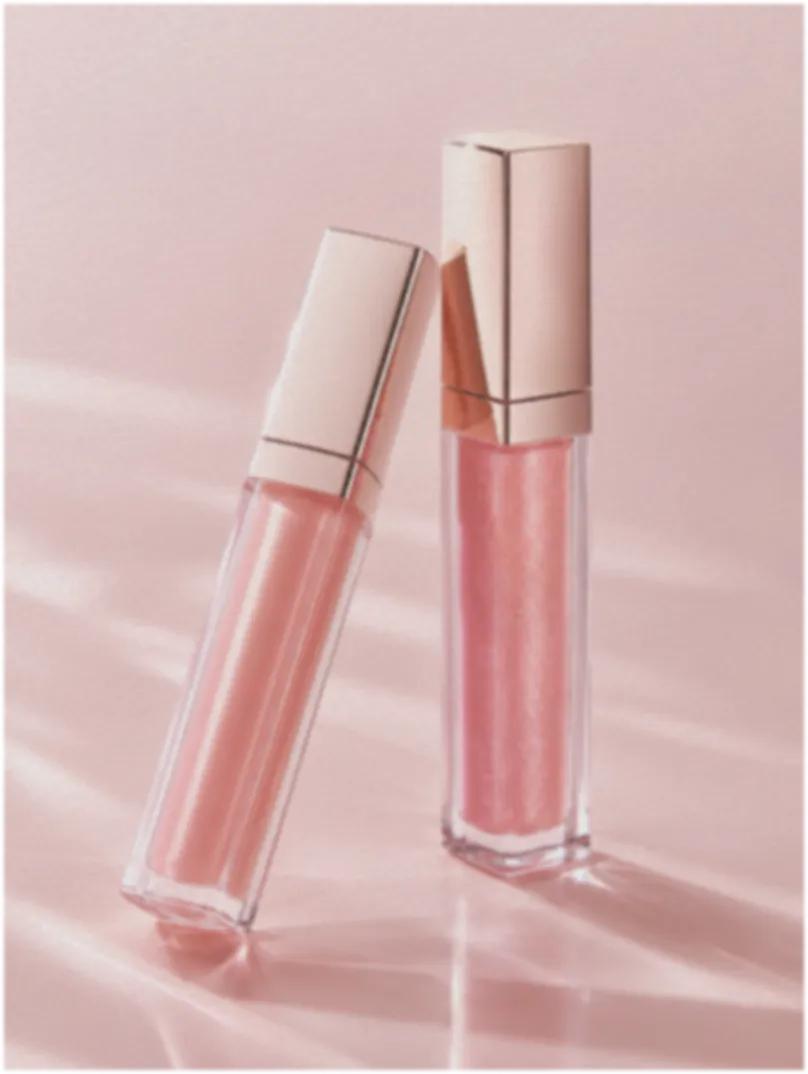
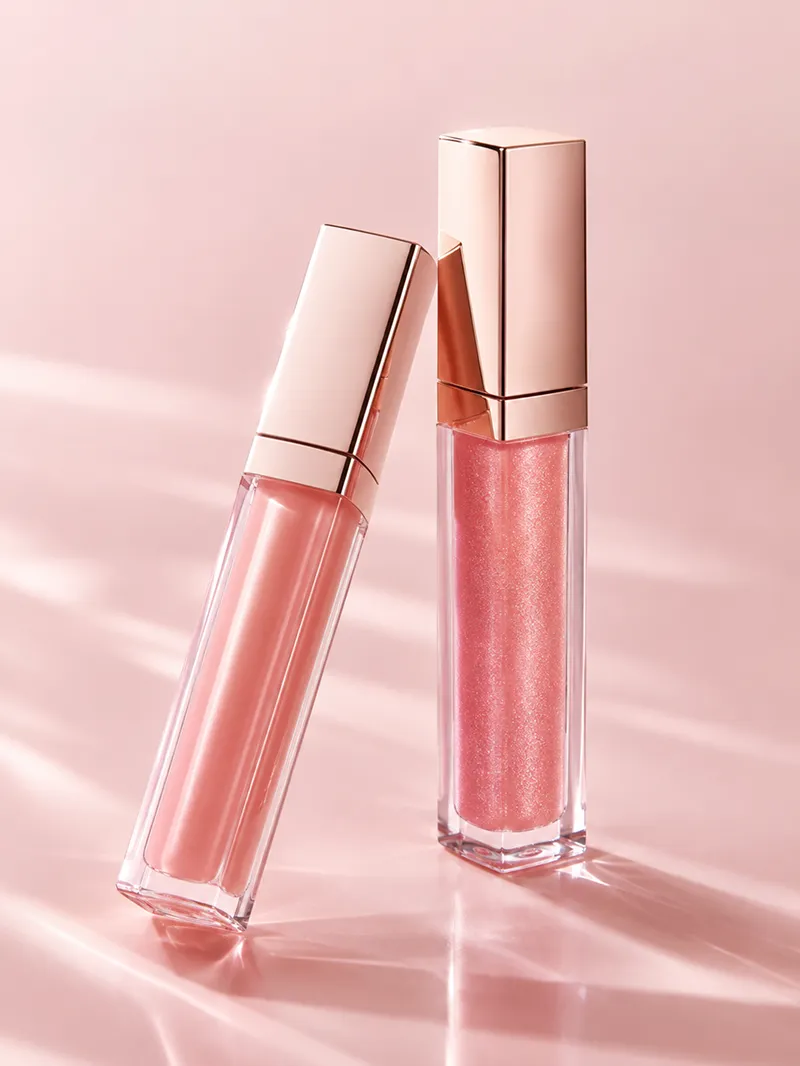
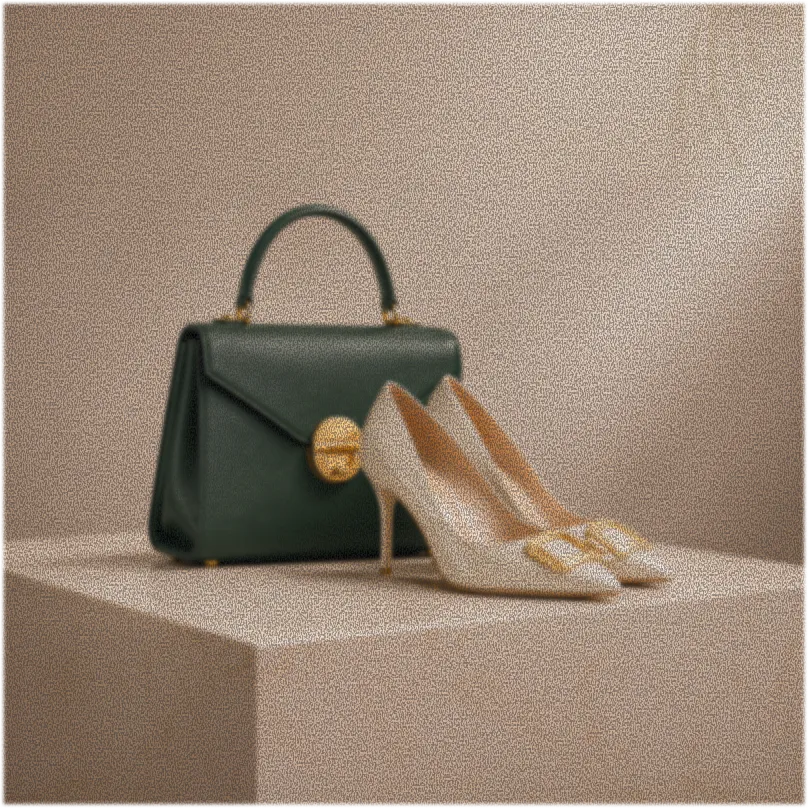
Noise can make product surfaces, labels, and backgrounds look unprofessional. Clean up product photos to present sharper details and more polished visuals for online stores, marketplaces, and advertising campaigns.


Smartphone Snaps & Scanned Prints
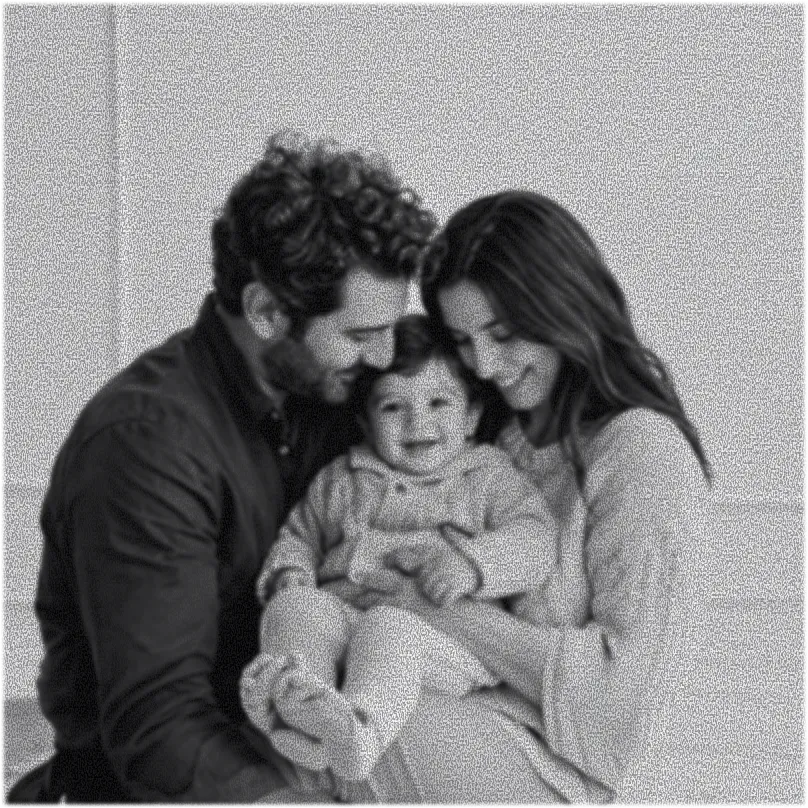
Clean up grainy travel photos, family pictures, and smartphone snapshots before posting them on social media or turning them into albums, posters, and printed keepsakes.



Upload Your Image
Import the noisy or grainy photo you want to improve from your device.


Select Enhancement Model
Choose the Enhancement model that best matches your image and let PicWish automatically reduce noise.




Preview and Download
Review the enhanced result, then download the cleaner and clearer image to your device.
Upload Your Image
Import the noisy or grainy photo you want to improve from your device.
Select Enhancement Model
Choose the Enhancement model that best matches your image and let PicWish automatically reduce noise.
Preview and Download
Review the enhanced result, then download the cleaner and clearer image to your device.
'%3e%3cg%20id='&%23231;&%23188;&%23150;&%23232;&%23190;&%23145;&%23229;&%23183;&%23165;&%23229;&%23133;&%23183;&%23232;&%23131;&%23140;&%23230;&%23153;&%23175;'%20opacity='0.56'%3e%3cg%20id='&%23230;&%23164;&%23173;&%23229;&%23156;&%23134;_6_&%23230;&%23139;&%23183;&%23232;&%23180;&%23157;_1_'%20filter='url(%23filter0_f_0_23)'%3e%3cpath%20d='M-107.5%20356C150.693%20356%20360%20146.693%20360%20-111.5C360%20-369.693%20150.693%20-579%20-107.5%20-579C-365.693%20-579%20-575%20-369.693%20-575%20-111.5C-575%20146.693%20-365.693%20356%20-107.5%20356Z'%20fill='url(%23paint0_linear_0_23)'/%3e%3cpath%20d='M-107.5%20356C150.693%20356%20360%20146.693%20360%20-111.5C360%20-369.693%20150.693%20-579%20-107.5%20-579C-365.693%20-579%20-575%20-369.693%20-575%20-111.5C-575%20146.693%20-365.693%20356%20-107.5%20356Z'%20fill='%23E8C7FF'%20fill-opacity='0.5'/%3e%3c/g%3e%3cg%20id='&%23230;&%23164;&%23173;&%23229;&%23156;&%23134;_6_&%23230;&%23139;&%23183;&%23232;&%23180;&%23157;_1__2'%20filter='url(%23filter1_f_0_23)'%3e%3cpath%20d='M1905.5%201117C2096.31%201117%202251%20962.314%202251%20771.5C2251%20580.686%202096.31%20426%201905.5%20426C1714.69%20426%201560%20580.686%201560%20771.5C1560%20962.314%201714.69%201117%201905.5%201117Z'%20fill='url(%23paint1_linear_0_23)'/%3e%3c/g%3e%3c/g%3e%3c/g%3e%3c/g%3e%3cdefs%3e%3cfilter%20id='filter0_f_0_23'%20x='-1075'%20y='-1079'%20width='1935'%20height='1935'%20filterUnits='userSpaceOnUse'%20color-interpolation-filters='sRGB'%3e%3cfeFlood%20flood-opacity='0'%20result='BackgroundImageFix'/%3e%3cfeBlend%20mode='normal'%20in='SourceGraphic'%20in2='BackgroundImageFix'%20result='shape'/%3e%3cfeGaussianBlur%20stdDeviation='250'%20result='effect1_foregroundBlur_0_23'/%3e%3c/filter%3e%3cfilter%20id='filter1_f_0_23'%20x='1060'%20y='-74'%20width='1691'%20height='1691'%20filterUnits='userSpaceOnUse'%20color-interpolation-filters='sRGB'%3e%3cfeFlood%20flood-opacity='0'%20result='BackgroundImageFix'/%3e%3cfeBlend%20mode='normal'%20in='SourceGraphic'%20in2='BackgroundImageFix'%20result='shape'/%3e%3cfeGaussianBlur%20stdDeviation='250'%20result='effect1_foregroundBlur_0_23'/%3e%3c/filter%3e%3clinearGradient%20id='paint0_linear_0_23'%20x1='232.259'%20y1='356.122'%20x2='-447.167'%20y2='-579.029'%20gradientUnits='userSpaceOnUse'%3e%3cstop%20stop-color='%235555FF'/%3e%3cstop%20offset='0.006'%20stop-color='%235555FF'/%3e%3cstop%20offset='0.99'%20stop-color='%2395D6FF'/%3e%3cstop%20offset='1'%20stop-color='%2395D6FF'/%3e%3c/linearGradient%3e%3clinearGradient%20id='paint1_linear_0_23'%20x1='1586.58'%20y1='426'%20x2='2331.17'%20y2='527.219'%20gradientUnits='userSpaceOnUse'%3e%3cstop%20stop-color='%233BABFF'/%3e%3cstop%20offset='1'%20stop-color='%230074FF'/%3e%3c/linearGradient%3e%3c/defs%3e%3c/svg%3e)

Enlarge small or low-resolution photos with our AI image upscaler, preserving colors, textures, and fine details for sharing or printing.
Use the portrait enhancer to sharpen blurry faces and recover natural facial, hair, and skin details without changing the person’s appearance.
Use the AI watermark remover to erase watermarks, logos, text, and date stamps while naturally reconstructing the background.

Use the AI Background Remover to isolate people, pets, cars, and other subjects with clean, precise edges in seconds.
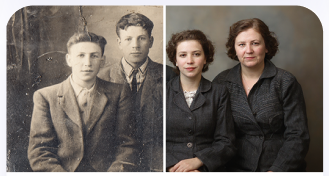
Bring faded or damaged memories back to life with AI old photo restoration, repairing scratches, noise, faded colors, and missing details.

Describe the changes you want and let the AI designer transform ordinary photos into polished creative visuals without manual editing.






'%3e%3cg%20id='&%23230;&%23164;&%23173;&%23229;&%23156;&%23134;_6_&%23230;&%23139;&%23183;&%23232;&%23180;&%23157;_1_'%20opacity='0.4'%20filter='url(%23filter0_f_0_9)'%3e%3cpath%20d='M159%201094C270.009%201094%20360%201004.01%20360%20893C360%20781.991%20270.009%20692%20159%20692C47.9908%20692%20-42%20781.991%20-42%20893C-42%201004.01%2047.9908%201094%20159%201094Z'%20fill='url(%23paint0_linear_0_9)'/%3e%3c/g%3e%3cg%20id='&%23230;&%23164;&%23173;&%23229;&%23156;&%23134;_6_&%23230;&%23139;&%23183;&%23232;&%23180;&%23157;_1__2'%20opacity='0.5'%20filter='url(%23filter1_f_0_9)'%3e%3cpath%20d='M1538%20443C1616.98%20443%201681%20378.977%201681%20300C1681%20221.023%201616.98%20157%201538%20157C1459.02%20157%201395%20221.023%201395%20300C1395%20378.977%201459.02%20443%201538%20443Z'%20fill='url(%23paint1_linear_0_9)'/%3e%3c/g%3e%3c/g%3e%3c/g%3e%3cdefs%3e%3cfilter%20id='filter0_f_0_9'%20x='-342'%20y='392'%20width='1002'%20height='1002'%20filterUnits='userSpaceOnUse'%20color-interpolation-filters='sRGB'%3e%3cfeFlood%20flood-opacity='0'%20result='BackgroundImageFix'/%3e%3cfeBlend%20mode='normal'%20in='SourceGraphic'%20in2='BackgroundImageFix'%20result='shape'/%3e%3cfeGaussianBlur%20stdDeviation='150'%20result='effect1_foregroundBlur_0_9'/%3e%3c/filter%3e%3cfilter%20id='filter1_f_0_9'%20x='1095'%20y='-143'%20width='886'%20height='886'%20filterUnits='userSpaceOnUse'%20color-interpolation-filters='sRGB'%3e%3cfeFlood%20flood-opacity='0'%20result='BackgroundImageFix'/%3e%3cfeBlend%20mode='normal'%20in='SourceGraphic'%20in2='BackgroundImageFix'%20result='shape'/%3e%3cfeGaussianBlur%20stdDeviation='150'%20result='effect1_foregroundBlur_0_9'/%3e%3c/filter%3e%3clinearGradient%20id='paint0_linear_0_9'%20x1='305.078'%20y1='1094.05'%20x2='12.9615'%20y2='691.987'%20gradientUnits='userSpaceOnUse'%3e%3cstop%20stop-color='%235555FF'/%3e%3cstop%20offset='0.006'%20stop-color='%235555FF'/%3e%3cstop%20offset='0.99'%20stop-color='%2395D6FF'/%3e%3cstop%20offset='1'%20stop-color='%2395D6FF'/%3e%3c/linearGradient%3e%3clinearGradient%20id='paint1_linear_0_9'%20x1='1641.93'%20y1='443.037'%20x2='1434.1'%20y2='156.991'%20gradientUnits='userSpaceOnUse'%3e%3cstop%20stop-color='%235555FF'/%3e%3cstop%20offset='0.006'%20stop-color='%235555FF'/%3e%3cstop%20offset='0.99'%20stop-color='%2395D6FF'/%3e%3cstop%20offset='1'%20stop-color='%2395D6FF'/%3e%3c/linearGradient%3e%3c/defs%3e%3c/svg%3e)